


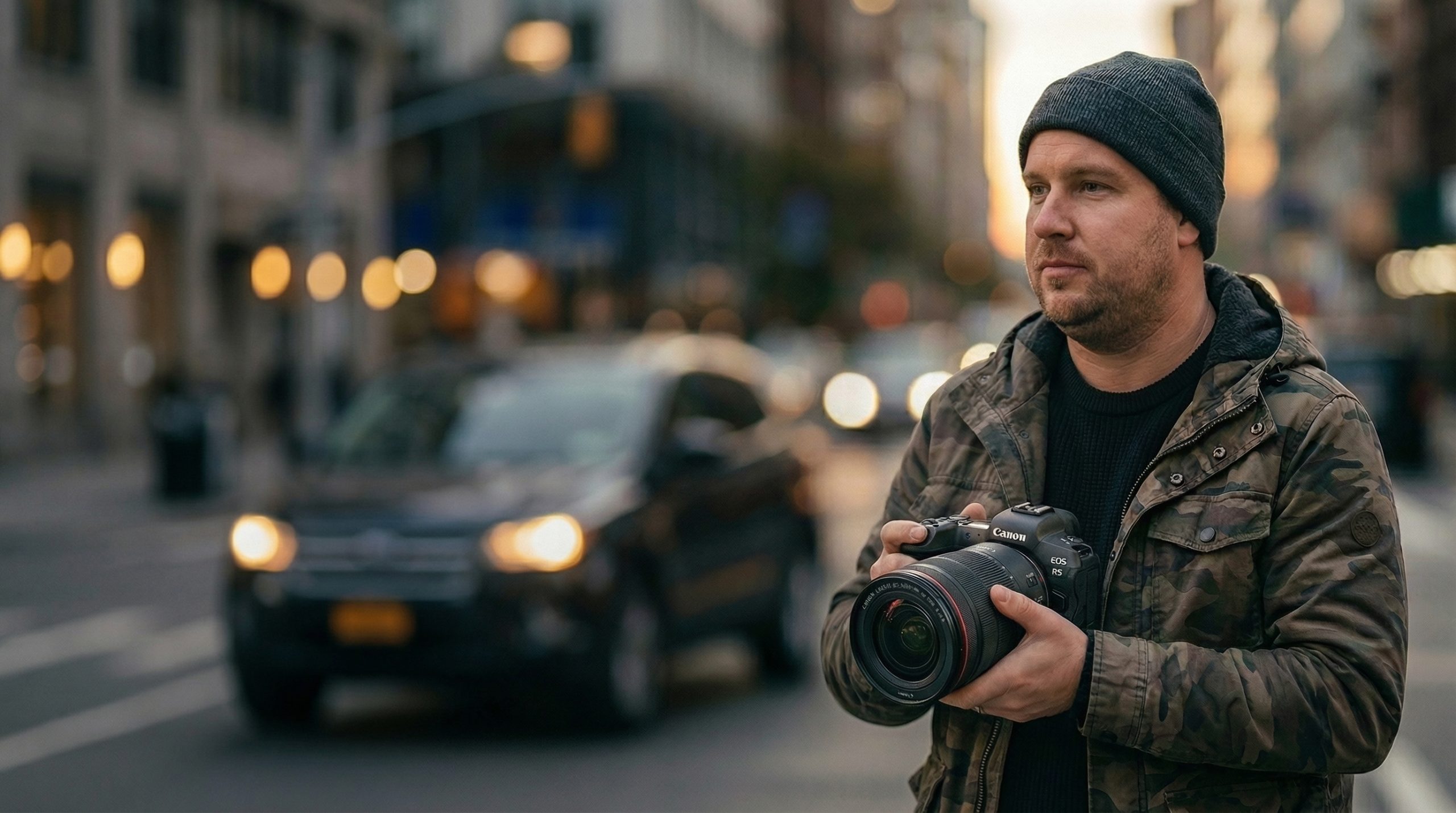
If you are tired of the standard in-camera, pre-set image processing profiles offered by the Canon DSLR Picture Styles and you want to colour outside of the lines, then download the VW Canon 158 Picture Styles / Picture Profiles that we have curated from around the web with the Cook Look and Similaar Suite of Flaat Picture Styles included.
Update – April 2026: There is now The 18 Francois Canon Fujifilm Simulation Pictures Styles added.
Read on to grab the free Cook Picture Styles for Canon DSLR cameras as well. But first more about the The Similaar Suite of Flaat Picture Styles that are are designed for Contrast=-4; make sure that’s the value you use. As for the other parameters, I like Saturation=-2, Sharpness=2, Tone=0, but you should change those if you prefer some other values.
Flaat_1 is for low-DR situations, and for people that are used to shooting Neutral -4
Flaat_2 would be my workhorse option; it will feel the most natural for people shooting with Technicolor CineStile or Marvels Cine
Flaat_3 is the one I’d use if I needed some extra DR; but not for everything: it’s more noisy
Flaat_4 is for very excepcional cases where I need as much DR as I can get
The general advice for clean images would be: use the narrowest Flaat picture style that records enough DR for your shot. If Flaat_1 doesn’t give you clipped highlights or shadows, that route will lead to less noise and smoother gradients than using Flaat_3.
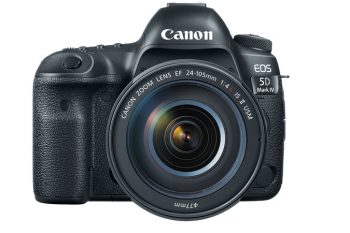
As always this is not a complete Picture Style collection by any means but just a huge chunk of the 158 styles we like to use time to time. Hope you like using The 158 VW Canon Picture Styles / Picture Profiles too.
So if you work with Canon DSLR cameras you will ask yourself at some stage this question “To shoot Flat or not to shoot Flat” as in to film with minimum saturation and contrast then manipulate in Post. This is not a piece on arguing for or against Shooting Flat as it may surprise you that some Shooters and Snappers out there like to have a baked in style at the coal face. It may be through experience, arrogance or sheer stupidity but for whatever reason there is a percentage of image manipulators out there that like to use Picture Styles that don’t contain the word Flat in them.
The Cook Picture Styles for Canon DSLR cameras has been a huge runaway success since its 2014 debut.

The Cook Picture Styles are offered for free.
Here are the instructions for you getting The Cook Look.
The Cook Picture Styles was the result of more than one year of developing to get the best possible dynamic range from Canon DSLR cameras and also the best real world colours without the flat look, without the need for post production colour grading, without hurting the textures in the image, and without gradient banding.
Cook Picture Styes are free for use.
Read the instructions below to get the best from it.
_DPP = to be used in digital photo professional software
_CAM = to be used inside the camera
there are different versions for camera and DPP software due to the camera has different colour rendition compared to DPP in computer
using DPP versions on camera will introduce colour banding, using camera versions in DPP will introduce colour banding.
so use CAM versions in camera and DPP versions for RAW photos in computer
How To Achieve The Cook Look:
FOR USE IN CAMERA:
(the -h versions are just for use in dpp, they do not do significant difference in camera.
there is the +h versions to be used in camera which increases the highlight preservation.)
Install the following versions in camera:
(Use Canon EOS Utility to load them via USB cable)
Cook1_cam
Cook3_cam
Cook5+h_cam
or
cook2_cam
cook4_cam
cook6+h_cam
(after testing these to perceive the differences you can load others if you prefer, always _cam versions.
0 to 6 means the shadow lifting amount,
+h means more highlight preservation but reduces textures a little bit)
for the 600D T3i the shadow lifting up to 6 works ok
for the 5D Mark III the maximum recommended shadow lifting amount is 5
avoid loading the versions 6 to the 5D Mark III
Confirm in camera if the sliders are in default position for each version. (sharpness, contrast, saturation, tone)
Enable HTP when there is highlights in image, it helps. (highlight tone priority)
Always disable Auto Lighting Optimiser, it does not work good with custom picture style curves.
Choose from them considering the shadow/highlight in the scene
Just shadows = Cook0, 1 or 2
Light and shadows = Cook2, 3 or 4
Shadow/Highlight = Cook4, 5 or 6
you can use the versions 5 or 6 all the time, but increase contrast when needed (try from -2 to +2)
when there is more highlights use the +h versions and enable HTP.
Do the following for each scene (after choose the version):
If you use Variable ND or Polariser filter, rotate it to find better balance between shadow/highlight.
Set correct exposure for Aperture, Shutter and ISO.
Set correct white balance for Kelvin and Green/Magenta bias.
Adjust contrast slider from -2 to +2 until dynamic range is good but removing the flat look.
Try to keep good blacks without the grey look from flat images and without make the blacks too much deep.
if you want to use cook5 or cook6 all the time, increase contrast to avoid the flat look when needed.
Adjust the saturation slider to get a good balance with contrast.
If you increase contrast, decrease saturation.
If you decrease contrast, increase saturation.
Keep Tone Slider as default.
Sharpness at default (2) is recommended, more than this will increase halos, less than this will deliver a soft image.
The cook does not increase noise so much compared to Canon picture styles.
Neatvideo cleans it pretty good.
A tip is to disable all luminance spatial denoise and increase temporal denoise.
The chrominance spatial denoise can be increased to remove chroma noise.
sharpening in Neatvideo gives better results than sharpen filters in timeline, less pixelation.
sharpening with neatvideo can deliver excellent results for Canon DSLR, tweak it carefully
The higher the shadow lifting amount in cook (from 3 to 6) are better for post production sharpening, less halos
the use of the Mosaic Engineering VAF anti aliasing anti moire filter works great with Cook Picture Styles.
FOR USE IN COMPUTER IN DPP SOFTWARE:
Open the RAW photo in DPP software
Open the Canon Tool Palette
Disable Auto Lighting Optimizer in Canon Tool Palette
Load the version Cook0_dpp
Adjust exposure (brightness) in Canon Tool Palette step by step
do this to get good exposure and good edges/tones transitions in highlights.
See image in 100% to perceive the edges/tones transitions and see all the image to perceive exposure.
Adjust contrast slider to get a good blacks and remove flat look
Adjust saturation
Now after these first adjusts try other versions from 0 to 6 until perceive the best one to lift the shadows
If highlight preservation is not needed use versions with -h
versions -h keep whites up to 255
Cook your images and enjoy.
Thanks to Adriano Apefos you can download The Cook Picture Styles HERE.
Everyone should have a preferred set of Picture Styles that they use on jobs other than the stock standard in camera ones supplied by Canon.
If you never venture away from the presets are you really getting the most out of the camera and yourself?
So help yourself to 158 simply stunning Canon Picture Styles including the Technicolor CineStyle and others collected from different people and places on the interweb. We didn’t make them but are grateful to the talented people who did.
If you use them and like them then seek out the creator and thank them. If you do normally Shoot Flat then experiment with a few of the styles next when snapping / shooting or try a few picture styles filming or taking stills with a Baked In Look.

Go on live a little on the wild side.
Download Canon Picture Styles
The 158 VW Collection Canon Picture Styles
How to add Canon Picture Styles Picture Profiles to your Canon DSLR camera.
Big thanks to Similaar for making the new Flaat picture styles and if you like them then pop on over to Similaar and donate some money for a thank you.
Thanks also to Martin Beek for his efforts in providing Canon Pictures Styles that so many of us have enjoyed using over the years.
Update — April 2026


I was contacted by a Cinescopophilia reader by the name of Francois Schneider, who was inspired to switch to Canon cameras. Francois has come from a Fujifilm background and loved the idea of shooting with just picture styles and getting the look straight out of the camera. Francois has made 18 Canon picture styles to replicate Fuji film simulations and is offering them as a free download.
The VW 158 Pictures Styles is kind of now 158 + The Cook Look + Similaar Suite of Flaat Picture Styles + The 18 Francois Canon Fujifilm Simulation Pictures Styles. So if I receive anymore picture styles I am pretty sure the number will drop off and I will call it the Mega Bundle of Picture Styles or something similar.
Francois link to his page has the old HTTP and not the newer HTTPS which will throw up a not safe warning, or not secure, but it is legit and Francois has taken the effort to provide examples of all 18 Fuji film simulation picture styles that he has created plus some links and instructions.

You can visit Francois page dedicated to Canon Fuji film simulation picture styles HERE.
Gear For The Grind
Gear Up And Show UpYou know the drill: long hours, months on the road, deadlines and dust. You work hard and your gear should at least look the part. We have built the solution for you. Designs for the crew that actually puts in the work.
Read Our Story Verified by 30+ years of dust and deadlines.No interns were harmed in the making of these designs.
What are Canon DSLR picture styles?
Picture styles are in-camera image processing profiles that control how your Canon DSLR renders colour, contrast, sharpness, and tone. Canon provides a set of standard presets but many camera operators prefer to load custom styles that better suit their shooting style or workflow.
What is the 158 VW Picture Styles Collection?
The 158 VW Picture Styles Collection is a curated set of 158 Canon picture styles collected from various creators and sources around the web. It includes the Similaar Suite of Flaat Picture Styles plus a bonus in the Cook Look Picture Style. Cinescopophilia has made the full collection available as a free download.
What is the Similaar Suite of Flaat Picture Styles?
The Similaar Suite is a set of flat picture styles designed for maximum dynamic range. There are four profiles ranging from Flaat_1 for low dynamic range situations through to Flaat_4 for extreme situations where you need every stop of DR you can get. All are designed to be used with Contrast set to -4.
What is the Cook Look?
The Cook Look is a Canon picture style developed over more than a year to deliver the best possible dynamic range from Canon DSLRs with real world colour, no flat look, and no need for post production colour grading. It is released as a free download.
What is the difference between the CAM and DPP versions of the Cook Look?
The CAM versions are for use inside the camera. The DPP versions are for processing RAW files in Canon Digital Photo Professional software. Using the wrong version for the wrong application will introduce colour banding, so make sure you use CAM versions in camera and DPP versions in DPP software only
Should I shoot flat or use a baked in picture style?
That depends entirely on your workflow and preference. Shooting flat gives you maximum flexibility in post but requires colour grading. A baked in style like the Cook Look delivers a finished look straight out of camera. Neither approach is wrong. The best picture style is the one that works for how you actually shoot. And of course it depends on you making the decision to shoot JPG only.
How do I install a picture style on a Canon DSLR?
Use the Canon EOS Utility software to load picture styles via USB cable. Download the style files, connect your camera, open EOS Utility, and load the files directly to the camera. You can store up to three custom picture styles in most Canon DSLRs at any one time.
How do I get the best results from the Cook Look in camera?
Choose the Cook version based on the shadow and highlight balance in your scene. Use Cook 0, 1, or 2 for scenes with mainly shadows. Use Cook 2, 3, or 4 for mixed light. Use Cook 4, 5, or 6 for high contrast scenes with strong highlights. Enable Highlight Tone Priority when highlights are present and always disable Auto Lighting Optimiser when using custom picture styles.
Are the VW 158 Picture Styles free to download?
Yes. All picture styles in the 158 VW Collection are free to download and use. Cinescopophilia did not create them. If you find a style you love, track down the original creator and give them the credit they deserve.
Do these picture styles work on newer Canon cameras?
The VW 158 Picture Styles collection was built around Canon DSLRs. Compatibility with newer mirrorless models will vary. Check your camera manual for picture style support before loading custom profiles.